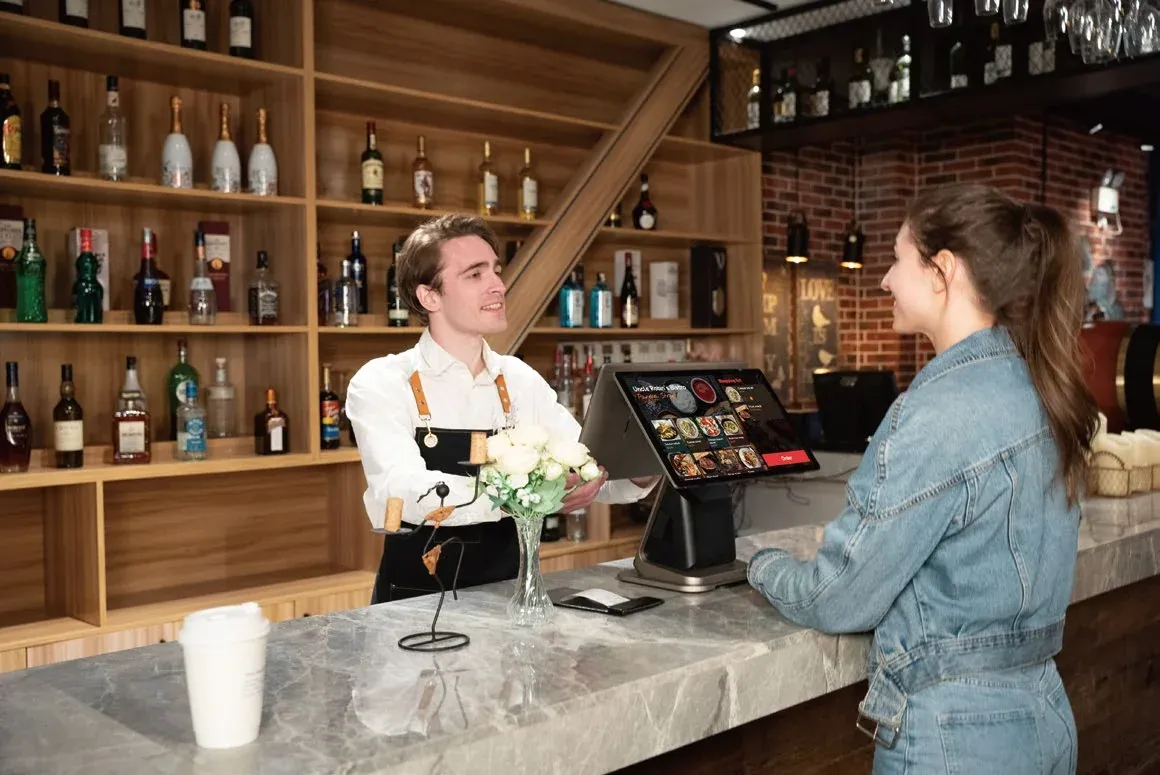
A handheld till, a countertop till or a tablet? When a built-in printer pays off, when a kitchen display beats paper tickets, and which accessories you actually need. A practical guide based on what a normal shift looks like in your venue.
Choosing a till usually starts with the screen size and the price. It is better to start somewhere else: where your staff ring up orders, who needs a receipt, and where an order goes once it has been entered. That tells you whether you need a handheld device, a countertop till, a tablet, or a mix of them. Every device mentioned here is available in the Kasyro shop.
First, work out where orders are taken
- At the table, on the terrace or at a stall — staff carry the till with them, so you need something light enough to hold all shift.
- Behind a counter guests walk up to — the till stays in one place, so a large screen, a network cable and mains power make sense.
- Both — the counter by day, the terrace in the evening or an event outside. This is where a tablet or a battery-powered till fits.
Most venues end up with a combination: one till on the counter and one or two handheld devices. So think about the whole setup, not just the first device.
Handheld tills: staff stop running to the bar
A mobile till pays off wherever staff go to the guest rather than the other way round. The order is entered at the table and reaches the bar or the kitchen before the waiter has turned around.
- The Sunmi M3 looks like a phone and weighs 272 g. It survives a 1.5 m drop and a spilled drink (IP65), and its NFC reads loyalty cards. It has no printer and no 4G, though. It suits a restaurant with good Wi-Fi where receipts are printed at the bar.
- The Sunmi P3 is the most affordable handheld with both a 58 mm receipt printer and a card terminal built in. Its 6.75" screen is readable outdoors, it connects over 4G and Wi-Fi, and the battery is replaceable.
- The Sunmi P3H is the more powerful sibling of the P3, with an octa-core processor and more memory. It is available with a professional code scanner.
- The iPad mini (A17 Pro) has an 8.3" screen and fits in one hand and in an apron pocket. Only Kasyro runs on it, and receipts go to a Bluetooth or network printer.
The P3 and the P3H take cards contactless, by chip and by magnetic stripe, so guests pay right at the table. For card payments you need the payment app of a provider you have a contract with. Both go well with a protective case that absorbs drops and a charging cradle where staff simply set the terminal down by the till.
Before you rely on a handheld on the terrace or at a stall, check how far your Wi-Fi reaches. Where it doesn't, pick a device with 4G.
Countertop tills: a big screen and a cable instead of a battery
A countertop till doesn't have to save space or battery. It has a large touchscreen that shows the whole catalogue at once, connects to the network by cable and has ports for accessories.
- The Sunmi D3 Mini fits even on a small café, bakery or stall counter. It has a 10.1" screen, an 80 mm printer with an auto-cutter, a built-in code scanner, NFC and a small 4" screen facing the guest.
- The Sunmi T3 is a countertop till for the bar, the reception desk or a shop counter. It has a tilting 15.6" screen, a built-in 80 mm printer and a metal body that hides the cables.
- A Sunmi CPad tablet becomes a countertop till in the print base with a Sunmi NT320 printer. The version with a 2D scanner also reads barcodes and QR codes.
The T3 is available with a second 10.1" screen facing the guest. Kasyro uses it as a customer display: the guest sees every item as it is rung up, and the total.
Tablets: for the counter and for the floor
A tablet is the compromise for venues that want one device for both jobs. In a stand it works as a counter till; taken out, it becomes a terminal for taking orders at the table.
- The iPad 11" (A16) suits places where the till should look good in front of guests. Note that only Kasyro runs on iPad; Elementary POS is Android only. Receipts go to a Bluetooth or network printer.
- The Sunmi CPad 11" is an Android tablet built for service: it is protected against dust and splashing water (IP54), has 4G and NFC, and a fingerprint reader so staff can sign in quickly.
- The Sunmi CPad Pay is an 11" tablet with a built-in card terminal. Guests pay by card right on the tablet, at the counter or at the table. It comes with Kasyro.
Built-in printer or a separate one?
A built-in printer pays off when you hand the guest a receipt where you take the order: at the table, at a stall, on a delivery. That is one device and one cable less, with nothing to pair.
A separate printer makes sense when you want more room on the counter, when several tills share one printer, or when you only print receipts now and then. The M3, both CPads and the iPads have no printer of their own. On the counter, pair them with the Sunmi NT320, which prints both receipts and labels. With Kasyro you can also print to the small Cashino PTP-II mobile printer, which connects over Bluetooth to Android and iPad alike.
The other choice is paper width. A 58 mm roll is enough for a normal receipt, and the printer is smaller, which is why the P3 and P3H use it. An 80 mm roll fits more text per line, and printers that take larger-diameter rolls need a paper change less often. The D3 Mini, the T3 and the separate NT311 and NT320 printers all print 80 mm.
Kasyro prints to built-in Sunmi printers and to printers connected over Bluetooth, USB or the network (on iPad, over Bluetooth or the network).
A kitchen display instead of paper tickets
A paper ticket can get lost, splashed or overlooked. A kitchen display shows the cook orders in the sequence they arrived and how long each one has been waiting. When a dish is ready, the cook marks it with a single tap, and the floor staff know it is ready to pick up. Both Kasyro and Elementary POS have a kitchen display. In Kasyro, you choose on each display whether it shows kitchen orders, bar orders or both.
The Sunmi D2s KDS is a 15.6" display built for the kitchen. It withstands steam, grease and splashes (IP55), mounts on a wall or an arm, and can be powered over the network cable. In a smaller kitchen or behind the bar, a Sunmi CPad 11" tablet does the job as well.
Don't write paper off entirely, though. If there is nowhere in the kitchen to mount a screen, or the cooks are used to tickets, a ticket printer still works. The Sunmi NT311 prints 80 mm tickets at 250 mm/s, cuts them automatically and announces a new order with a sound and a light. It connects over the network, Bluetooth or USB-C and resists steam and grease (IP52). In Kasyro, you set for each printer whether it prints kitchen tickets, bar tickets or all of them.
Code readers and cash drawers
A code reader is useful in a shop selling barcoded goods and anywhere you scan QR codes: tickets, coupons, gift vouchers. The Sunmi NS021 is a handheld reader that copes with crumpled codes and codes on phone screens. In the ND0B0 desk stand it sits on the counter, and customers just hold the item or their phone to it. The reader behaves like a keyboard: the till receives the scanned code as if someone had typed it, and no drivers are needed. Before you order a reader, check whether your device already has one built in. The D3 Mini does, and the P3H and the CPad print base are available with one. The P3 reads QR codes with its rear camera.
A cash drawer makes sense where many guests pay in cash. The Sunmi Mini cash drawer is made of metal, takes up a fifth less space than a standard drawer and connects with an RJ12 cable to the receipt printer or the till, such as the T3 or the D3 Mini. Elementary POS opens it automatically on payment. Kasyro can't do that yet, so with Kasyro you open the drawer with its key.
Unbox and start selling
Every device from the shop arrives with the till app of your choice pre-installed: Kasyro or Elementary POS (Kasyro on the iPads and the CPad Pay). It comes connected to your business with printing tested, so you can start selling as soon as it is unpacked. You can also add a transfer of your data from your current till or from a spreadsheet to the order, so you don't have to enter your catalogue again.
Before you pick specific devices, answer three questions:
- Where do you take orders: at the table, behind the counter, or both?
- Who needs paper: the guest, the kitchen, or nobody?
- How do guests usually pay, and what kind of codes do you scan?
With the answers in hand, you can put together a setup in the shop that matches your shift, without paying for equipment you won't use.